hyper business solution Logohyper business solution
THE HBS Framework™
Some WorkWho We AreBlog
Contact
Amrak — Intelligence in Action

By HBS · AI that works inside your systems

Say it.
Your system does it.

Your team writes what it needs in plain Arabic or English. Amrak does the work inside your website, dashboards, CRM and ERP, and stops for your OK before anything sensitive.

Watch today's log
  • Free
  • No commitment
  • You leave with a command map for your team

Today · Activity log

  1. 09:20

    Owner

    “

    Approved by you, on record

  2. 09:12

    Sales

    Needs your OK

    “Draft a follow-up for every client we haven't called in a month”

    Drafts ready. Nothing sent yet

  3. 09:05

    Marketing

    Done

    “Write a post on shipping to the Gulf and publish it Thursday at 10 AM”

    Written, given a picture, scheduled

  4. 09:00

    Manager

    Done

    “Summarise yesterday in three points”

    Ready before the first meeting

2 Done1 Needs your OK

Example entries. Your commands are built for your business.

A day with Amrak

What changes when your team can simply ask.

One working day, entry by entry: what each team asked for, and what came back.

A day with Amrak

09:05

Marketing

Time back

  1. 09:05Time back
  2. 09:20You stay in control
  3. 10:15Fewer mistakes
  4. 11:00Answers, not reports
  5. 12:30A faster start
  6. 14:00No disruption
  7. 16:30Everything on record
  1. 09:05 · Marketing

    “Write a post on shipping to the Gulf, add a fitting image, and publish it Thursday at 10 AM.”

    Time back

    One sentence replaces fourteen steps.

    Publishing one article by hand means logging in, finding the right section and filling field after field: title, text, image, image description, category, search title, search description, link and date. With Amrak, someone on your team writes one sentence, then checks the result.

    By hand

    1. 01Log in
    2. 02Open articles
    3. 03New article
    4. 04Title
    5. 05Write content
    6. 06Upload image
    7. 07Image description
    8. 08Choose category
    9. 09Search title
    10. 10Search description
    11. 11Page link
    12. 12Publish date
    13. 13Preview
    14. 14Publish
    Amrak · Receipt09:05

    Asked by · Marketing

    Result

    • Wrote the article
    • Added a fitting image
    • Set the search title and description
    • Scheduled for Thursday 10:00
    Done

  2. 09:20 · Owner

    “Raise the maintenance plan from 450 to 480.”

    You stay in control

    Nothing sensitive happens until you say yes.

    Messages to clients, deleting anything and changing prices always stop at you. Amrak prepares the change, shows you exactly what will happen, and waits.

    Amrak · Receipt09:20

    Asked by · Owner

    Maintenance plan

    Now

    450

    New

    480

    Needs your OK

    Always waits for you

    • Messages to clients
    • Deleting anything
    • Changing prices
  3. 10:15 · Marketing

    “Update the phone number on every page of the website.”

    Fewer mistakes

    The same change everywhere, without missing a page.

    Mistakes come from retyping: a number copied wrong, one page forgotten. Amrak makes the change the same way in every place and shows you a preview before it goes live.

    Amrak · Receipt10:15

    Asked by · Marketing

    Result

    • Found every page with the old number
    • Prepared the change
    • Showed you a preview
    • Updated on every page
    Done
  4. 11:00 · Manager

    “Which pages brought the most clients this month? And why did visits drop last week?”

    Answers, not reports

    Managers get answers without waiting for a report.

    Instead of asking someone to build a report, a manager asks the question and gets the answer, with the likely reason behind it.

    Amrak · Receipt11:00

    Asked by · Manager

    Illustrative example

    1. Services page
    2. Home page
    3. Blog
    4. Portfolio
    5. Contact page

    Result

    • Search traffic fell after publishing paused for a week. Suggestion: schedule two articles this week.
    Done
  5. 12:30 · New hire, day one

    “Add a new product to the store.”

    A faster start

    New staff are useful from their first day.

    They don't have to learn where every button lives in every system. If they can describe the task, they can get it done, within the permissions you give them.

    Amrak · Receipt12:30

    Asked by · New hire, day one

    Can: productsCan't: prices

    Result

    • Product added with its photos and description
    Done
  6. 14:00 · IT team

    “Do we need to change anything in our current system?”

    No disruption

    Your system stays exactly as it is.

    Amrak works on top of the website, CRM or ERP you already use. Nobody moves your data, replaces your system or sits through weeks of training.

    Amrak · Receipt14:00

    Asked by · IT team

    Result

    • No data migration
    • No system replacement
    • No long training
    Done
  7. 16:30 · Manager

    “What did the team get done with Amrak today?”

    Everything on record

    At the end of the day, you can see everything.

    Every action is recorded: who asked, when, and what changed. Each person reaches only what their permissions allow, your data stays in your system, and you can switch Amrak off at any time.

    TimeWho askedWhat changedStatus
    09:00Manager“Summarise yesterday in three points”Done
    09:05Marketing“Write a post on shipping to the Gulf and publish it Thursday at 10 AM”Done
    09:12Sales“Draft a follow-up for every client we haven't called in a month”Needs your OK
    09:20Owner“Raise the maintenance plan from 450 to 480”Approved
    09:31Operations“Which items run out this week? Draft a purchase order”Needs your OK
    09:40New hire, day one“Add a new product to the store”Done
    • Permissions for each person
    • Your data stays in your system
    • Use the AI provider you prefer
    • Off switch, any time

That was one day.

Book a free session and we'll map out what your team's day could look like.

  • Free
  • No commitment
  • You leave with a command map for your team

Proof

We run HBS on Amrak.

Before offering it to anyone, we used it on our own company. Our website, articles, marketing calendar and client portal take written commands every day.

HBS · Receipt

Asked by · HBS marketing

“Reschedule 50 posts over the next 3 months.”

Result

  • Done in one command, waiting for review
Done
HBS · Receipt

Asked by · HBS web team

“Make three pictures for the new Amrak page and save them to our image library.”

A laptop in a dark office at blue hour sending green light streams to floating panels for a website, analytics, a calendar, clients and inventory
A frosted glass chat bubble linked by mint light ribbons to floating cards for charts, a calendar, clients, a website and stock
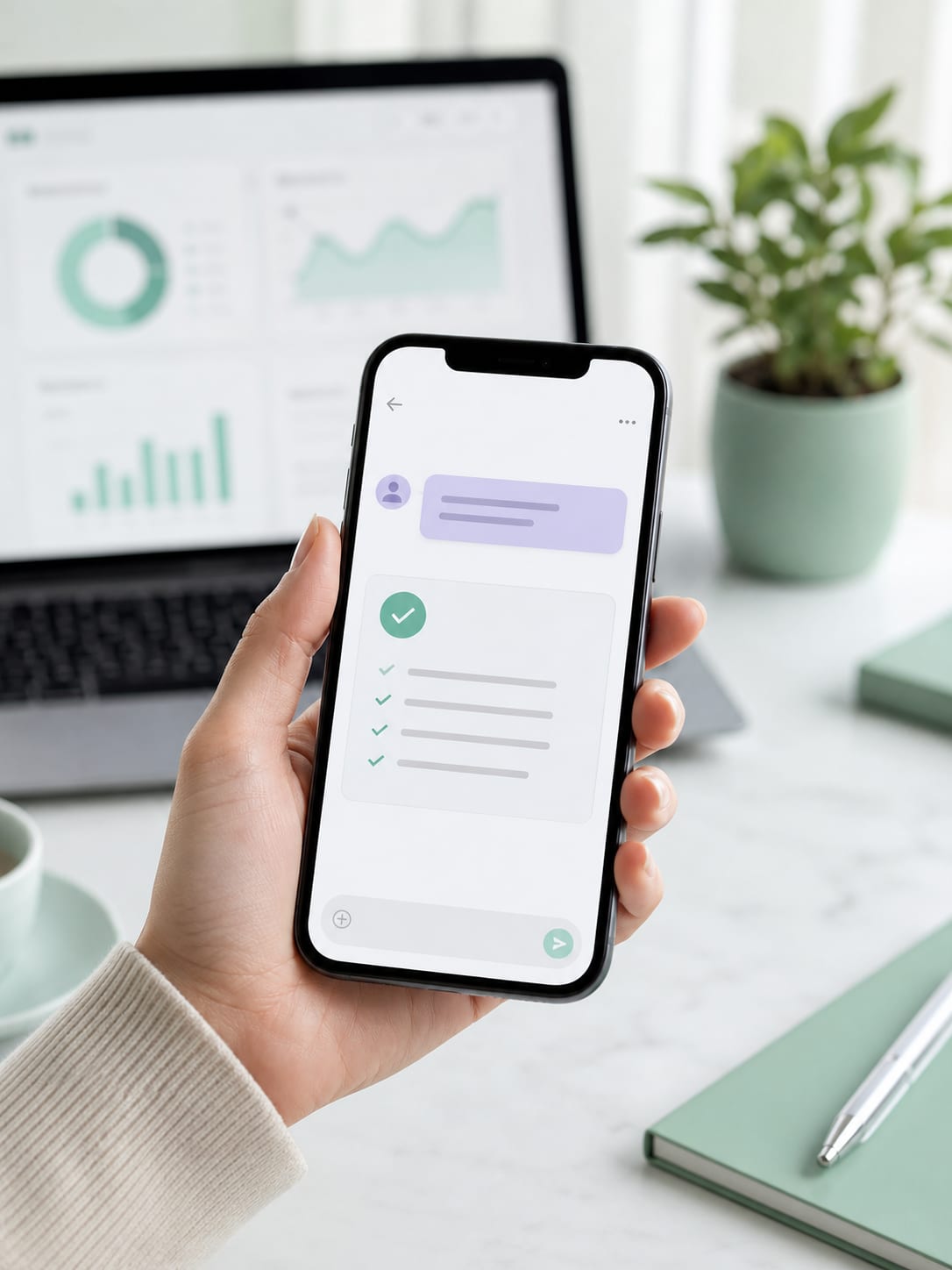
A hand holding a phone with a short request and a completed checklist reply

Result

  • Made and saved. You'll see them on this page.
Done
HBS · Receipt

Asked by · HBS design

“Design the About page of the Amrak booklet in Photoshop.”

A designer at sunset watching a layout being built in Photoshop by written commands

Result

  • Designed by written commands, from idea to final file
Done

Where it works

Built around the systems you already use.

Every company is different, so we build the connector for yours: your sections, your words, your rules. These are examples of what teams ask for.

A laptop showing a real estate website with an updated phone number

Change your website without waiting for a developer.

  • “Update the phone number on every page”

    Updated on every page
  • “Add our new project to the portfolio”

    Added with photos and description
  • “Add two FAQs to the maintenance page”

    Ready for your review

5 steps: ask a developer, wait, review, fix, publish

3 steps: one sentence, preview, approve

Used byMarketingManagement

Examples only. Your commands are designed with you.

  • Free
  • No commitment
  • You leave with a command map for your team

How it works

What happens after you press send.

  1. 01

    Understands

    Works out exactly what you asked for.

  2. 02

    Checks

    Confirms you're allowed to do it.

  3. 03

    Prepares

    Gets the change fully ready.

  4. 04

    Asks you

    If it's sensitive, waits for your OK.

  5. 05

    Does it

    Completes the task and records it.

Built on MCP, the open standard that lets AI assistants work inside company systems. HBS builds the connector and fits it to yours.

Working with HBS

From the first meeting to the first command.

Six clear stages. The timeline for each one is agreed with you in the quotation.

An HBS consultant mapping a workflow on a whiteboard with a client team
1Stage one: the discovery session
  1. 01

    Discovery session

    We learn your business, your systems and the tasks that take your team's time.

  2. 02

    Command map

    Together we pick the most valuable commands and the permissions for each role.

  3. 03

    Build

    We build the connector to fit your system.

  4. 04

    Testing with your team

    Your team uses it for real, and we refine it from their feedback.

  5. 05

    Handover & training

    A short training session and a ready-to-use command guide.

  6. 06

    Support & growth

    Monthly follow-up, and new commands as your business grows.

    Ongoing

Pricing

Two parts, both written out in your quote.

No surprises: everything each part covers is listed in your quotation.

One-time

Build fee

Paid once. Covers every build stage.

Includes

  • Studying your system
  • Building the connector
  • Testing with your team
  • Training

Set in your quotation

Based on your system's size and number of commands

Starts after handover
Monthly

Subscription

Starts after handover and continues with you.

Includes

  • Technical support
  • Regular follow-up
  • AI image generation when you need it

Set in your quotation

Based on the services you need

  • Later add-ons

    Extra commands or systems later are priced separately, with a clear quote before any work starts.

  • Already an HBS client?

    You get special terms when you add Amrak to your current services with us. We'll spell them out in your quote.

Your quotation follows the free discovery session.

  • Free
  • No commitment
  • You leave with a command map for your team

FAQ

Questions we hear a lot

Don't see your question?

Ask us directly. We'll answer it in detail in your free discovery session.

Do I need to change my current system?

No. Amrak works on top of your system as it is, with no data migration and no replacement.

Does my team need to learn to code?

No. Anyone who can write a message can use Amrak.

Does it understand Arabic?

Yes. Arabic and English, in whatever dialect your team writes.

What if the assistant makes a mistake?

Sensitive actions never run without your approval, and every change is logged so you can review it.

Where does my data go?

It stays in your system. The assistant reads only what a request needs, within each person's permissions, and we help you choose an AI provider that fits your policy.

Do I need an AI subscription?

Yes. Your team uses one of the well-known AI assistants, and we help you choose and set up the best fit.

Does it work with old or custom-built systems?

In most cases, yes. We confirm it for your system in the free discovery session.

How long does it take to set up?

It depends on the size of your system and the number of commands. You get a clear timeline in your quotation.

What happens in the free discovery session?

We learn how your team works, find the tasks that take the most time, and suggest the first commands worth building. You leave with a command map, whether or not you go ahead.

Get started

Your first sentence starts here.

Book a free discovery session and we'll map out the commands that save your team the most time.

  • Free
  • No commitment
  • You leave with a command map for your team
  1. 1Leave your details
  2. 2Pick a time with our team
  3. 3Get your command map

Or reach us directly

  • Email: info@hbs-group.xyz
  • Phone: +20 102 179 1291
  • Website: hbs-group.xyz

30A Asmaa Fahmy St., Nasr City, Cairo, Egypt

About HBS

We don't sell technology. We give you time back.

HBS Group (Hyper Business Solution) is a Cairo-based digital group serving companies across Egypt, the Gulf and the Arab region through three companies. Amrak is our service that turns your systems from screens, buttons and forms into a system that understands what you ask, in your own words.

Turning ambitions into reality

  • HBS TechSoftware & AI
  • HBS CreativesBranding & design
  • HBS GrowthMarketing & SEO
hyper business solution Logohyper business solution

Aspirations to Realities

Company

  • THE HBS Framework™
  • Some Work
  • Who We Are
  • Blog
  • Content Partner
  • Careers
  • Contact

Solutions

  • AmrakNew
  • Web & Digital Platforms
  • Search Visibility & Performance
  • Paid Media & User Acquisition
  • Direct Marketing & Retention
  • Brand & Online Presence
  • View All Solutions

Get in Touch

  • 30 A, Asmaa Fahmy, Nasr City, Cairo, Egypt
  • info@hbs-group.xyz
  • +201021791291

© 2026hyper business solutionAll rights reserved.

llms.txt