hyper business solution Logohyper business solution Logohyper business solution
THE HBS Framework™
Some WorkWho We AreBlog
AmrakNewOnline Academy (LMS)New
Web & Digital Platforms
Search Visibility & Performance
Paid Media & User Acquisition
Direct Marketing & Retention
Brand & Online Presence
RankLab
  • Corporate WordPress Websites
  • Enterprise Software Development
  • API & Systems Integration
  • WordPress Development
  • Mobile App Development
  • Custom Web Development
  • Advanced Technical SEO
  • SEO Services
  • Search Engine Marketing (SEM)
  • Digital Media Buying
  • Email Marketing Automation
  • Corporate Branding & Identity
  • UI/UX & Product Design
  • Social Media Management
  • Logo Design
Contact

Cairo--:--

Have a project in mind?Let's make it real.

Start a projectContact page
Emailinfo@hbs-group.xyz
Phone+20 10 2179 1291
Office30 A, Asmaa Fahmy, Nasr City, Cairo, Egypt
hyper business solution Logohyper business solution Logohyper business solution

We build scalable digital platforms focused on performance, usability, and business growth.

Company

  • THE HBS Framework™
  • Some Work
  • Who We Are
  • Blog
  • Content Partner
  • Careers
  • Contact

Solutions

  • Amrak New
  • Online Academy (LMS) New
  • Web & Digital Platforms
  • Search Visibility & Performance
  • Paid Media & User Acquisition
  • Direct Marketing & Retention
  • Brand & Online Presence
  • View All Solutions →

All services

15 services

Web & Digital Platforms06

  • Corporate WordPress Websites
  • Enterprise Software Development
  • API & Systems Integration
  • WordPress Development
  • Mobile App Development
  • Custom Web Development

Search Visibility & Performance03

  • Advanced Technical SEO
  • SEO Services
  • Search Engine Marketing (SEM)

Paid Media & User Acquisition01

  • Digital Media Buying

Direct Marketing & Retention01

  • Email Marketing Automation

Brand & Online Presence04

  • Corporate Branding & Identity
  • UI/UX & Product Design
  • Social Media Management
  • Logo Design
HBS

© 2026 hyper business solution · All rights reserved.

llms.txt
Background
Decorative Arrow
Decorative Arrow
Decorative Arrow

AI in Sales: From Manual Follow-Ups to a Smart Pipeline That Sells More.

HomeBlogAI in Sales: From Manual Follow-Ups to a Smart Pipeline That Sells More
Solutions Explained
Back to Blogs

Table of Contents

  • Where does a salesperson's time actually go?
  • How does traditional selling compare with AI-assisted selling?
  • What should AI do in your sales process?
  • Why does saving time not always mean selling more?
  • Why does your CRM data decide whether sales AI works?
  • What should salespeople never hand over to AI?
  • How do you bring AI into a sales team step by step?
  • Which numbers show that AI is helping your sales?

Share this post

Table of Contents

  • Where does a salesperson's time actually go?
  • How does traditional selling compare with AI-assisted selling?
  • What should AI do in your sales process?
  • Why does saving time not always mean selling more?
  • Why does your CRM data decide whether sales AI works?
  • What should salespeople never hand over to AI?
  • How do you bring AI into a sales team step by step?
  • Which numbers show that AI is helping your sales?

AI moves sales from manual follow-ups and messy spreadsheets to a pipeline where research, call notes, CRM updates, follow-up drafts and forecasts are prepared for the salesperson automatically. That gives sellers back hours every week, but only companies that reinvest those hours in real conversations and keep clean CRM data actually sell more. Buyers still want a person they can trust before they commit. Below we compare traditional selling with AI used wrong and AI used right, and give you a step-by-step way to bring AI into your sales team.

Where does a salesperson's time actually go?

Mostly not into selling. Salesforce's State of Sales 2026, a survey of 4,050 sales professionals in 22 countries, found that the average seller spends only 40% of their time selling. The rest goes to research, data entry, internal meetings and admin.

That is exactly the work AI is good at, and sales teams know it. The same report found that 87% of sales organisations already use some form of AI for tasks such as prospecting, forecasting, lead scoring or drafting emails, and that sellers expect AI agents to cut prospect research time by 34% and email drafting time by 36%. McKinsey's generative AI analysis put the potential productivity gain in sales at about 3% to 5% of global sales spending.

How does traditional selling compare with AI-assisted selling?

Sales taskTraditional wayAI used wrongAI used right
Researching a leadSearching websites and LinkedIn by handTrusting an AI company profile without checking itAI prepares a short brief from public sources and your CRM history and the seller checks it
Prioritising leadsGut feeling and whoever called lastA black-box score nobody understandsAI scores leads on rules your team agreed and explains why
Follow-upsRemembered or forgottenAutomatic generic emails to every contactAI drafts personal follow-ups at the right time and the seller approves them
Call notes and CRM updatesTyped after the call if there is timeRecording calls without consentWith consent AI summarises the call and updates the CRM fields for review
ProposalsCopied from the last proposalAI invents prices or termsAI drafts from approved price lists and templates and a manager signs off
ForecastingEach rep's optimism added upTrusting an AI forecast built on dirty dataAI flags risky deals from activity data and managers decide

What should AI do in your sales process?

  • Prepare. A one-page brief before each meeting: who the client is, what they bought before, open issues and likely needs.
  • Remember. Remind sellers which deals have gone quiet and draft the next message.
  • Record. Summarise calls and meetings, with the client's consent, and update the CRM.
  • Draft. Proposals, quotes and replies from approved templates and price lists.
  • Answer. Let managers ask the pipeline questions such as which deals are stuck and why, instead of waiting for a weekly report.

Why does saving time not always mean selling more?

Because the saved time often disappears into more admin. A 2026 Gartner survey of sales leaders found that AI saves sellers an average of 4.8 hours a week, yet 72% of sales organisations report low reinvestment of that time into high-value selling activities.

Decide in advance where the saved hours go: more client meetings, deeper account planning or faster replies to new leads. Then measure it. An AI rollout that saves five hours a week and adds no meetings has not changed your sales.

Why does your CRM data decide whether sales AI works?

AI can only be as good as the data it reads. In Salesforce's 2026 report, 51% of sales leaders using AI said disconnected systems are slowing down their AI work. If client data lives in a CRM, quotes in spreadsheets, invoices in an accounting system and conversations in WhatsApp, the AI sees only part of the picture.

Before adding AI, make sure your CRM is the single place where deals, contacts and activities are recorded, and that it connects to the systems around it. Our guide to CRM vs ERP explains which system holds what, and our guide to WhatsApp Business API in MENA shows how to bring WhatsApp conversations into it.

What should salespeople never hand over to AI?

Trust. Buyers use AI too, and they still want a person to confirm what they read. A 2026 Gartner survey of B2B buyers found that 69% prefer to validate AI-generated insights with sales reps. Keep these with your people:

  • Discovery conversations and understanding the client's real problem.
  • Negotiation, discounts and exceptions to your pricing.
  • Promises about delivery dates, results or scope.
  • Relationship moments: complaints, renewals and difficult news.

How do you bring AI into a sales team step by step?

  1. Clean the base. One CRM, agreed deal stages and required fields that are actually filled.
  2. Pick two time drains. For most teams these are follow-ups and call notes.
  3. Set the rules. What AI may send on its own (usually nothing at first), what needs approval and what client data stays inside approved systems.
  4. Train the team. Show sellers how to check AI briefs and drafts. Our AI literacy training plan covers the basics.
  5. Measure and expand. After a month, compare against your baseline before adding lead scoring or forecasting.

Which numbers show that AI is helping your sales?

  • Time to first reply on new leads.
  • Share of seller time spent with clients.
  • Number of deals with no activity for more than two weeks, which should fall.
  • Win rate and average deal cycle compared with your baseline.
  • CRM completeness: share of deals with up-to-date stage, value and next step.

Our guide on how to measure AI ROI shows how to set the baseline and decide when to scale.

This article is part of our series The AI-Ready Company. Read the opening article, Traditional vs AI: what really changes and why most companies use AI wrong, and the previous one on traditional vs AI-assisted marketing.

Want your team to ask your CRM a question and get the answer, or prepare every follow-up with one sentence? That is what we build with Amrak. Tell us how your sales team works today. Talk to us.


Frequently Asked Questions

How can AI help a sales team?

AI can prepare a brief before each meeting, remind sellers about quiet deals and draft the next message, summarise calls with consent and update the CRM, draft proposals from approved templates and let managers ask the pipeline questions directly.

Does AI in sales actually increase revenue?

Only if the saved time goes back into selling. Gartner found in 2026 that AI saves sellers 4.8 hours a week on average, but 72% of sales organisations reinvest little of that time in high-value activities. Plan where the hours go and measure it.

Do I need a CRM before using AI in sales?

Yes. AI is only as good as the data it reads. Salesforce found that 51% of sales leaders using AI say disconnected systems slow their AI work. Make one CRM the single record of deals, contacts and activities first.

Will AI replace salespeople?

No. Buyers still want a person to confirm what they read. Gartner found that 69% of B2B buyers prefer to validate AI-generated insights with sales reps. Discovery, negotiation, pricing exceptions, promises and relationships stay with people.

Where should a sales team start with AI?

Clean the CRM, pick two time drains such as follow-ups and call notes, set rules on what needs approval, train sellers to check AI drafts, then measure against your baseline for a month before adding lead scoring or forecasting.

Related services: Enterprise Software Development

Ready to discuss Enterprise Software Development?

Explore

Related Posts

Traditional Marketing vs AI-Assisted Marketing: What to Automate and What to Keep Human

Traditional Marketing vs AI-Assisted Marketing: What to Automate and What to Keep Human

AI makes marketing research, drafts, variations and reports fast and cheap, but strategy, brand voice, claims and approval still need people. Here is what to automate, what to keep human and a workflow that avoids generic AI content.

Oct 26, 2026

Running an Academy on WhatsApp and Google Drive: The Hidden Costs

Running an Academy on WhatsApp and Google Drive: The Hidden Costs

WhatsApp groups, Drive links, forms and spreadsheets look free, but they cost an academy staff time, leaked content, lost students and missing data. Here are the numbers and a practical plan to move to one system.

Oct 26, 2026

How to Protect Your Online Courses from Piracy and Account Sharing

How to Protect Your Online Courses from Piracy and Account Sharing

No platform can stop screen recording, but you can make leaks hard and traceable. Here is how course videos end up on Telegram, what actually protects them, and what Egyptian and Saudi law allow you to do.

Oct 25, 2026

Related Work

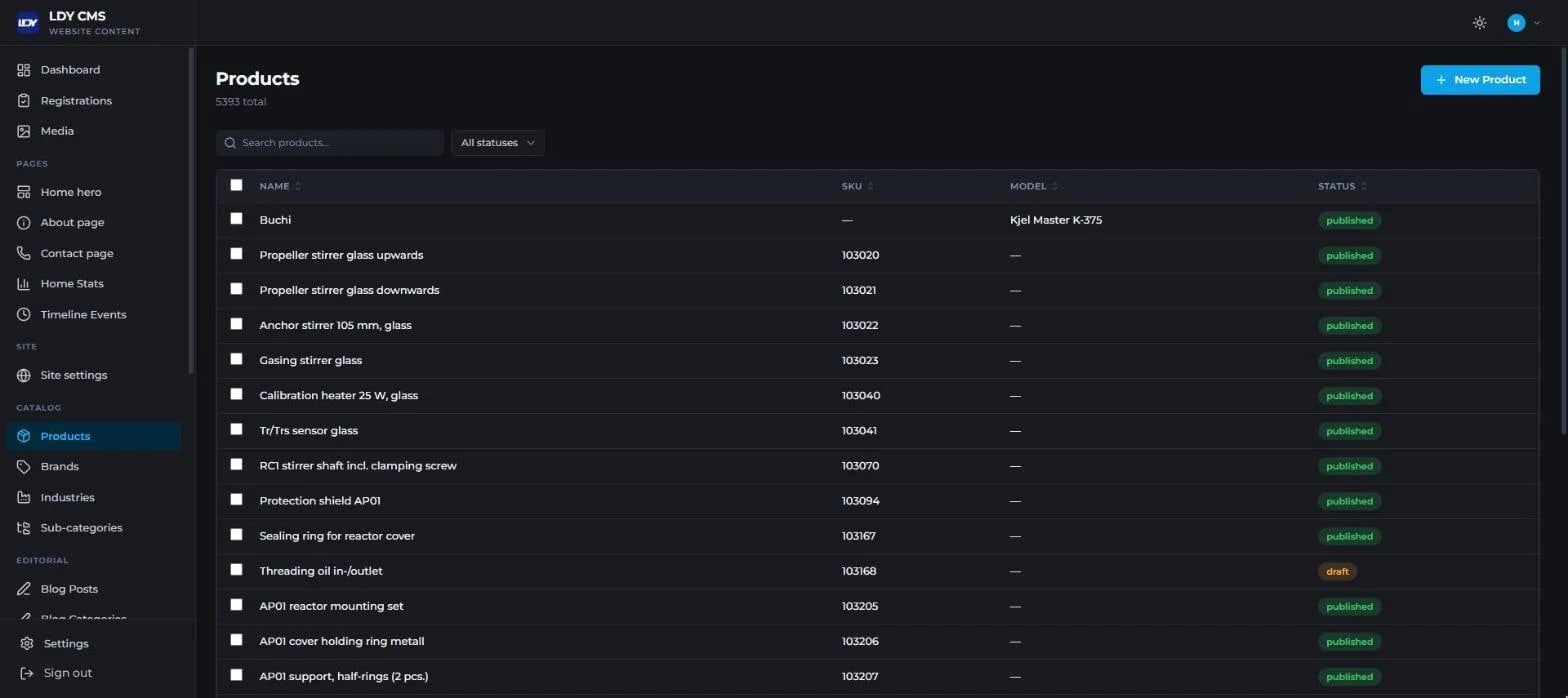
LDY CMS product catalogue table with status filters

LDY CO: Website CMS, Product Catalogue & Event Registrations

How HBS built LDY CO's CMS: a bilingual catalogue of thousands of lab instruments, event registration forms with QR sharing, and roles shared with the CRM.

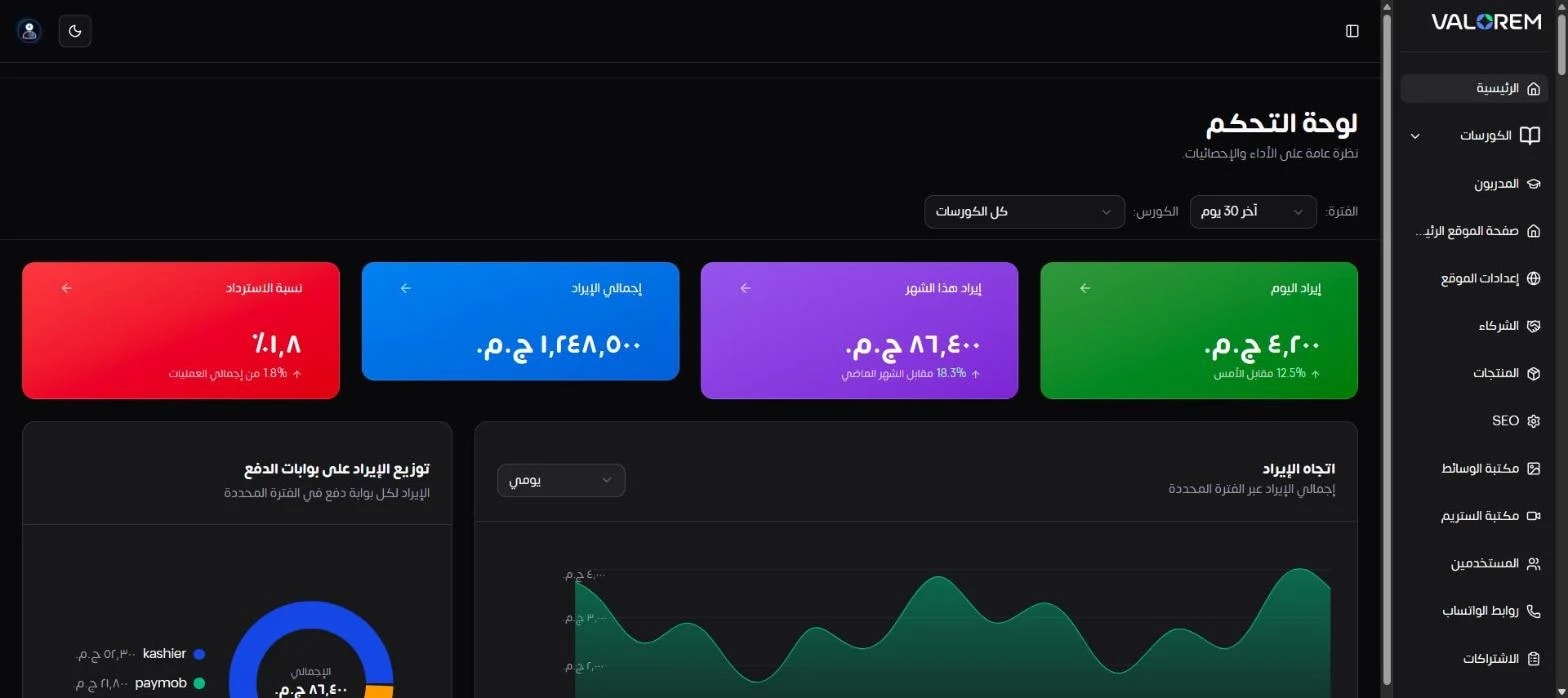
LMS dashboard overview: revenue, refund rate and revenue trend (demo data)

Ali Bambozya: LMS Admin & Analytics Dashboard

How HBS built an LMS dashboard for Ali Bambozya's academy: revenue, payment recovery, learner retention, video drop-off and marketing funnels in one screen.

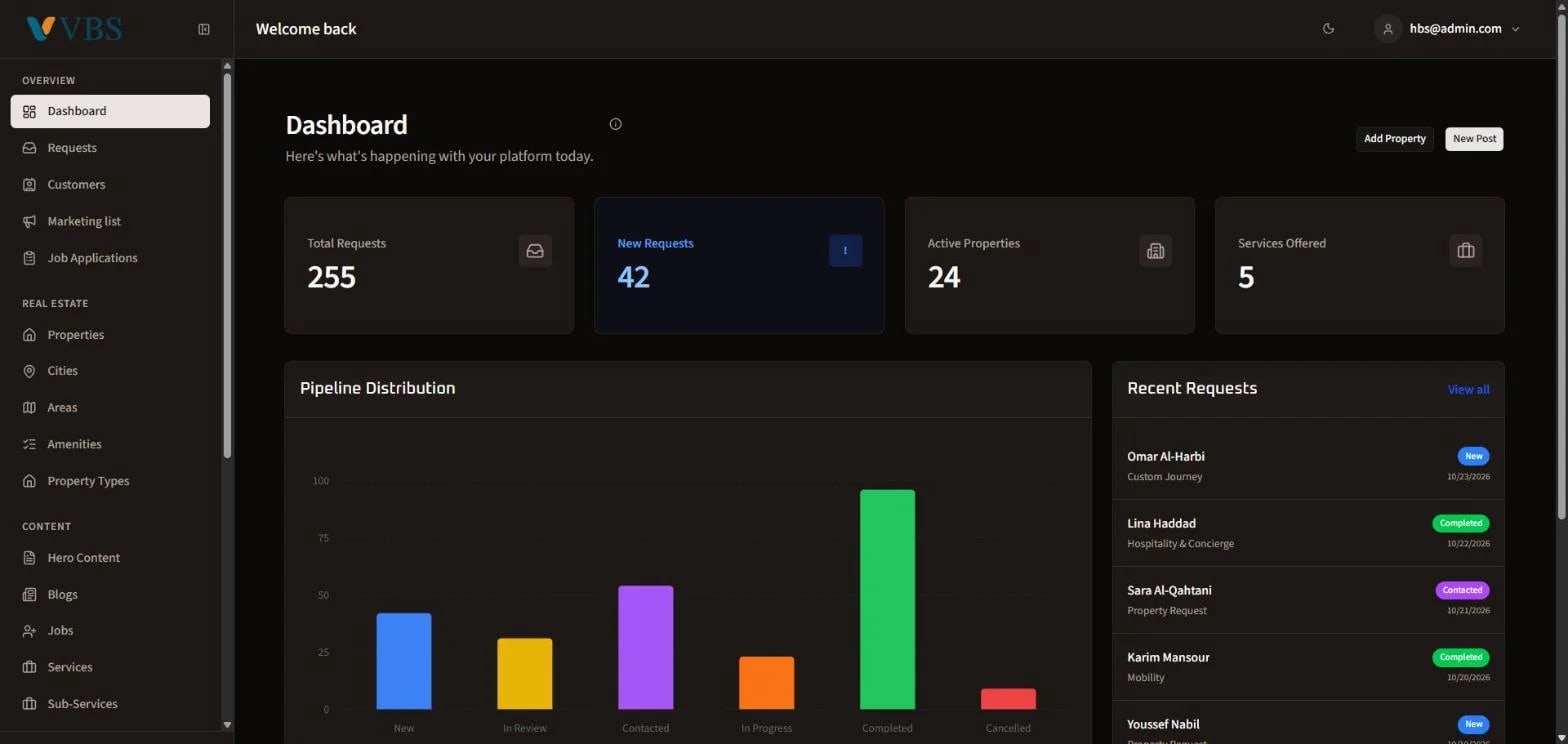
VBS operations dashboard overview with pipeline distribution (demo data)

Venus Business Solutions: CMS & Mini CRM Dashboard

How HBS built VBS's operations dashboard: a requests pipeline with response KPIs, a lightweight CRM, a consent-based marketing list and a five-language property manager.