
Custom software development for a company usually takes two to six months, and longer for large enterprise systems delivered in phases. In our projects at HBS, a system with one or two modules typically takes two to three months, and a system with several modules and integrations takes four to six months. The number of screens is not what sets the timeline. Clear requirements, the volume of data to migrate, the number of integrations and how fast decisions are made inside your company are.
This guide shows the typical timeline by project size, then explains each phase and what you receive in it, the reasons timelines slip, and how to shorten yours without losing quality. It ends with a checklist of what your company should prepare before you start.
How long does custom business software really take to build?
The most accurate answer starts with the size of the system. This table sums up the typical timelines on HBS projects as published in our pricing guide. They are estimates that are confirmed after a discovery session and a clear view of your operations:
| System size | What it usually covers | Typical timeline |
|---|---|---|
| Starter system | One or two core modules, such as sales and customers or inventory and purchasing | Two to three months |
| Growth system | Several modules with integrations to other systems and management reporting | Four to six months |
| Enterprise system | An integrated platform with multiple roles, many integrations and complex business logic | More than six months, in phases |
For the prices that go with each size and what they include, see our guide to custom ERP and CRM development cost in 2026. And if you have not yet decided whether you need to build a system at all, start with our comparison of building a custom system and buying ready-made software.
What are the phases of custom software development, and what do you receive in each?
The phases are similar on most projects, but the weight of each phase changes from one project to the next. What matters is knowing what each phase produces and what sets its length:
| Phase | What happens | What you receive and approve | What sets its length |
|---|---|---|---|
| Discovery and process analysis | Sessions with the people who run each process to understand what really happens | A written scope for phase one and a map of your processes | How many departments take part and how quickly sessions are scheduled |
| Interface design and prototype | Drawing the core screens and the user journey in Arabic and English | A clickable prototype you approve before development | The number of roles and rounds of feedback |
| Architecture and data plan | Defining the system structure, database, permissions and integration approach | An architecture document and a data migration plan | The number of integrations and how sensitive the data is |
| Development in short cycles | Building the modules in two-week cycles, with a demo of finished work at the end of each | Working parts you review and comment on | The size of the scope and the number of changes during the build |
| Data migration and integrations | Moving your old data and connecting the system to e-invoicing, payment gateways and other services | Migrated, reviewed data and tested integrations | The quality of the old data and how ready the external parties are |
| User acceptance testing | Your staff try the system on real cases from their work | A closed list of issues and sign-off for launch | How available your testers are and how many issues come up |
| Launch and training | Putting the system live and training each role on its daily work | A system in live use and training material | The number of users and branches |
Discovery is the phase most often cut short, and it is the last one you should cut. The UK government's Service Manual treats around four to eight weeks as typical for discovery on public services, and says it is not a failure to stop after discovery if the research shows that is the right call. Your company's project may need less time if your processes are documented and the decision-maker is available.
During development, most teams work in short, fixed-length cycles, and the Scrum Guide sets a cycle at one month or less. The benefit to you is that you see working parts every few weeks instead of waiting for one delivery date at the end of the project.
What makes a project take longer than expected?
Projects rarely run late because of the coding itself. Most delays come from these causes:
- Requirements that are not written down. When the rules live in people's heads, the team discovers them during the build and rebuilds what it has already built.
- Scope changes during development. Every feature added in the middle pushes back what comes after it. Log it for the next phase instead of adding it straight away.
- Messy legacy data. Spreadsheets with duplicate names and different codes for the same item need cleaning before they move, and that time is missing from most quotes.
- Integrations with outside parties. Connecting to Egypt's e-invoicing system or to payment gateways depends on your accounts being registered and on their test environments, not only on the development team.
- Slow approvals inside your company. A question that waits a week for an answer stops part of the work for a week.
- No single decision-maker. When two managers give two different opinions on the same screen, the week turns into a debate instead of development.
Can you shorten the timeline without sacrificing quality?
Yes, as long as you cut scope and not phases. These approaches really do shorten the timeline:
- Start with the process that drains you most. A small first phase that works within weeks beats a full system that waits for months, and you add modules once you see the result.
- Work on the data in parallel. Clean your old data during the design phase, not after development ends.
- Use ready components for what is not special. Sign-in, payments and notifications do not need to be built from scratch on every project.
- Set fixed review slots. A short meeting at the end of each cycle settles open questions before they pile up.
- Use modern development tools. AI-assisted development speeds up parts of the work, and we explain its limits in our article on traditional vs AI-assisted software development.
What does not shorten the timeline is dropping testing, skipping discovery, or adding new developers halfway through. These steps save days at the start and then cost you weeks of fixes after launch.
What should your company prepare before the project starts?
A large part of the timeline is in your hands. Prepare these items before the first session:
- One decision-maker for the project. Someone who approves screens, settles priorities and answers questions within a few days.
- A written description of how you work today. The paper forms and printed reports you use now, and the approval steps as they really happen.
- A real sample of your data. Your customer or item file as it is, so the team can estimate cleaning and migration time accurately.
- A list of the systems the software must connect to. Accounting, e-invoicing, payment gateways, your online store and WhatsApp, with who holds the login details for each.
- A definition of success for each phase. Such as the time it takes to issue a quote, or the number of orders tracked by hand.
- The names of the people who will test the system. With time blocked in their calendars during the testing phase.
- A training and launch plan. When the old system stops, who is trained first, and how you will handle the first weeks after go-live.
Does the project end on launch day?
No. Launch day is the start of real use, and the first weeks of live operation always reveal cases that testing did not: a missing permission for an employee in one branch, a report that needs one more column, or an approval step the team keeps skipping. So plan a stabilisation period after launch in your timeline, when the development team stays close and responds quickly.
After that a different rhythm begins: maintenance and security updates under a clear support contract, then a second phase built on what you learned from real use rather than on assumptions. Many companies find that the most important features of phase two were never on their first list, which is one more reason to start with a small scope and leave room for what you will learn.
How should you read the timeline in a quote?
The timeline in a quote tells you a lot about the company that wrote it. Watch for these signs:
- One delivery date with no milestones. It means you will not see anything working until the end, and you will only find misunderstandings late.
- No time for data migration or training. These are real phases, and leaving them out of the plan does not remove them. It only pushes them past the deadline.
- A fixed duration before any discovery session. A number given before anyone understands your operations is a guess, however precise it looks.
- Your own responsibilities are missing. A good timeline states what the vendor needs from you and when, such as data, approvals and tester time.
To assess the company itself and not only its timeline, see our eight criteria for choosing a software development partner.
How does HBS manage the project timeline?
At HBS we start with a discovery phase to understand your processes as they really run, then design the architecture before writing any code, and develop in two-week cycles, each ending with a demo of what is finished for you to review and comment on. We split large projects into phases, each with a written scope and a success metric, and we continue support and development after delivery.
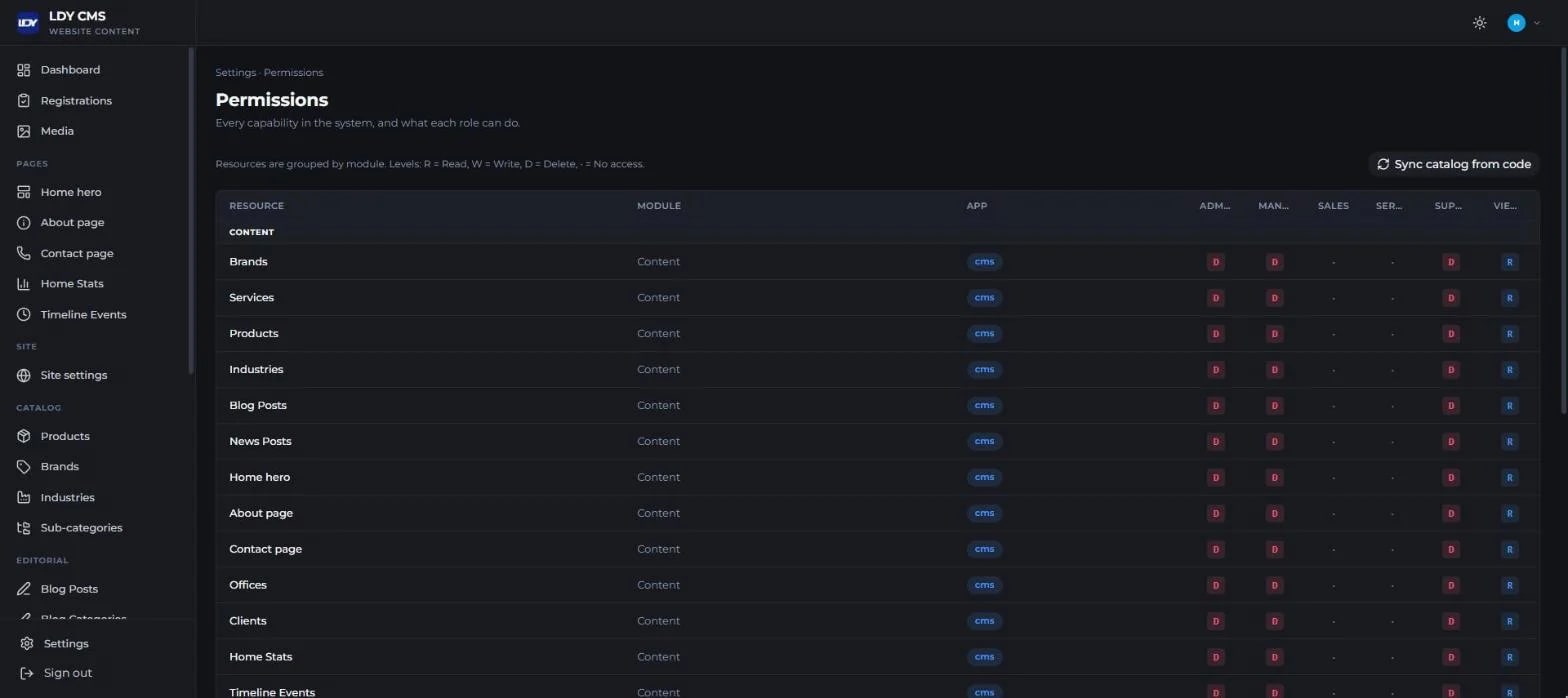
We also count training inside the timeline, not after it. When we built the LDY CMS dashboard for Labib Demian Youssef & Co. to replace the off-the-shelf system the company had been using, part of the launch phase was training the team on site at the company and through live webinars, walking each role through its daily work in the system. We also produced short Arabic video tutorials for every module and a guide to using each screen, so the team can return to them after go-live.
If you want to know exactly how long your project will take, tell us how your team works and which systems you use today. We will sit down with you in a free discovery session and give you a clear, phase-by-phase timeline, and you can learn more about HBS custom business software development.