
Safe data migration means knowing your data before you move it, rehearsing the move more than once on a test copy, and reconciling balances and records between the two systems before you switch the old one off. The plan comes down to six steps: inventory, cleansing, field mapping, rehearsal, cutover and post-launch verification, while keeping the old system available read-only until you are sure nothing was lost.
This guide explains why migrations stall, sets out the plan in one table, details each step with what you do and what you receive at the end of it, compares cutover approaches and gives you a checklist for switch-over day. If your goal is to add new capabilities to your current system without moving your data at all, what we covered in our guide to adding AI to your ERP without replacing it or migrating your data may be enough.
Why do data migration projects stall?
The cause is rarely purely technical. Most problems come from assumptions nobody checked before starting:
- Data quality is worse than everyone thinks. Duplicate customers with names spelled several ways, phone numbers in different formats, and fields left empty that are mandatory in the new system.
- Hidden data nobody mentioned. Attachments, notes inside fields, change history, and spreadsheets a whole department depends on outside the system.
- Business rules buried in the old system. Calculations, discounts or classifications the old system applies automatically, which nobody knows exist until they disappear.
- A one-day switch with no rehearsal. The first time the full data set is moved is launch day itself.
- No decision-maker for the data. Nobody is responsible for answering: do we move this record or archive it?
- No reconciliation after the move. The new system works, but nobody compared balances and counts with what was in the old one.
What is the 6-step data migration plan?
This plan works for moving data from ready-made software to a custom system, from an old in-house system to a modern platform, or from scattered spreadsheets into one system:
| Step | What you do | What you receive at the end |
|---|---|---|
| 1. Inventory | Identify every data source, its size and its owner, and decide what moves and what is archived | An approved list of sources and the migration scope |
| 2. Cleansing | Remove duplicates, standardise formats and complete missing fields at the source | Clean data and a report of what was changed |
| 3. Field mapping | Link every old field to its new field and its transformation rule | A mapping document approved by the data owners |
| 4. Rehearsal | A full move to a test copy, reviewed with users more than once | A successful trial migration and a known run time |
| 5. Cutover | Freeze changes, move the final differences and switch on the new system | A new system running on complete data |
| 6. Verification | Reconcile counts, balances and samples, and keep the old system read-only for a period | A signed reconciliation and a decision to retire the old system |
How do you take inventory of your data and clean it before the move?
Steps one and two usually take the longest, and they decide the success of everything after them:
- Collect every source, not only the main database. The old system, spreadsheets, attachments, the email where approvals are kept, and any paper records that need entering.
- Assign an owner to each type of data. The sales lead decides on customer data, finance on balances and invoices, and the warehouse on items.
- Decide the history cut-off. Do you move every record since the start, or open records plus a set number of years of history, archiving the rest somewhere you can still consult?
- Clean at the source before the move. Merge duplicate customers, standardise date and phone formats, spell Arabic names one way, and complete the fields the new system will require.
- Document every change. A simple report of what was deleted, merged or changed and why, so nobody later goes looking for a record that "disappeared".
It helps if this data is described from the start in the project requirements, with its locations, formats and years of history, as we explained in our guide to the software requirements specification (SRS).
How do you map fields and rehearse the move before launch day?
The mapping document is a table that links each field in the old system to its field in the new one, with the transformation rule where there is one: splitting a full name into first and last name, converting old codes into new categories, or converting currency. Its most important part is the opening balances: customer and supplier balances and stock quantities the new system will start with.
Then comes the rehearsal, the step many people try to shorten:
- Move the full data set to a test copy. Not a small sample, because problems show up in the rare cases.
- Ask users to work on it. Each department opens its usual records and confirms they are as they know them.
- Log the errors and fix the rules. Then run the move again from the start, not with manual edits to the copy.
- Repeat until the move succeeds with no intervention. And measure how long it takes, because that sets the cutover window you will need.
If you are hiring an external team, make sure the quote states the migration clearly: who cleans the data, how many rehearsals there are, and who approves the mapping. We cover this line in our guide on how to read a software development quote before you pay.
How do you choose a cutover approach?
| Approach | What it is | When it fits | Risk |
|---|---|---|---|
| Big-bang cutover | Switch off the old system and switch on the new one, over a weekend for example | One system with medium data volumes, after successful rehearsals | Highest if there is no rollback plan |
| Phased cutover | Move one department, branch or module at a time | A company with fairly independent branches or departments | Medium, but needs a temporary link between the two systems |
| Parallel run | Run both systems for a period and compare results | Financial systems whose figures must match exactly | Lowest for accuracy, but doubles the data-entry load on the team |
Whichever approach you choose, go through this list before switch-over day:
- An announced freeze date. Everyone knows when changes to the old system stop.
- A full backup of the old system. Stored, with a tested restore.
- Clear go or no-go criteria. Such as matching balances and successful core operations.
- A written rollback plan. What you do, and how you return to the old system, if the cutover fails.
- A trained team. Users have practised on the new system with their real data from the test copy.
- Intensive support in the first days. One clear channel for reporting problems.
How do you verify after launch that nothing was lost?
- Compare counts. The number of customers, items, invoices and records in each table across both systems.
- Compare balances. Total customer and supplier balances and stock quantities at the cutover date.
- Check random samples. Complete records with their details and attachments, chosen by the data owners, not by the migration team.
- Compare reports. A report for the same period from both systems should give the same result.
- Keep the old system read-only for a set period. Then archive its data somewhere safe before switching it off for good.
What drives the duration and cost of a migration?
Migration time is not measured by data volume alone. A large, clean database can move faster than small, scattered and disorganised files. These are the factors that set the real effort:
- The number of sources. One system is far easier than one system plus dozens of files and attachments.
- The quality of the current data. The more duplication, gaps and mixed formats, the longer cleansing takes.
- How much history must move. Moving open records alone is faster than moving every transaction from years back.
- Transformation rules. Every field that needs a calculation or reclassification adds work and testing.
- The availability of data owners. Mapping reviews and rehearsals need your team's time, not only the development team's.
- Access to the old system. If you do not have a full export or access to its database, extracting the data becomes a project in itself.
What should you watch for in Saudi Arabia and the Gulf?
If your data includes personal data of customers or employees in Saudi Arabia, review what the Saudi Personal Data Protection Law sets out, as things stand (November 2026), on transferring personal data outside the Kingdom before you choose where the new system will be hosted, and the same applies to the data protection laws in your own country. Also pay attention to the retention periods for invoices and financial records required by tax regulations, to Hijri and Gregorian dates and multiple currencies, and to Arabic names that may be spelled in more than one way in the old system.
How does HBS approach moving off a legacy system?
At HBS we approach legacy modernisation with one goal: moving your data while operations keep running without downtime. So we start with a data inventory before any design, we build the mapping document with the data owners, and we do not consider a migration finished until the balances match and the team is actually using the new system.
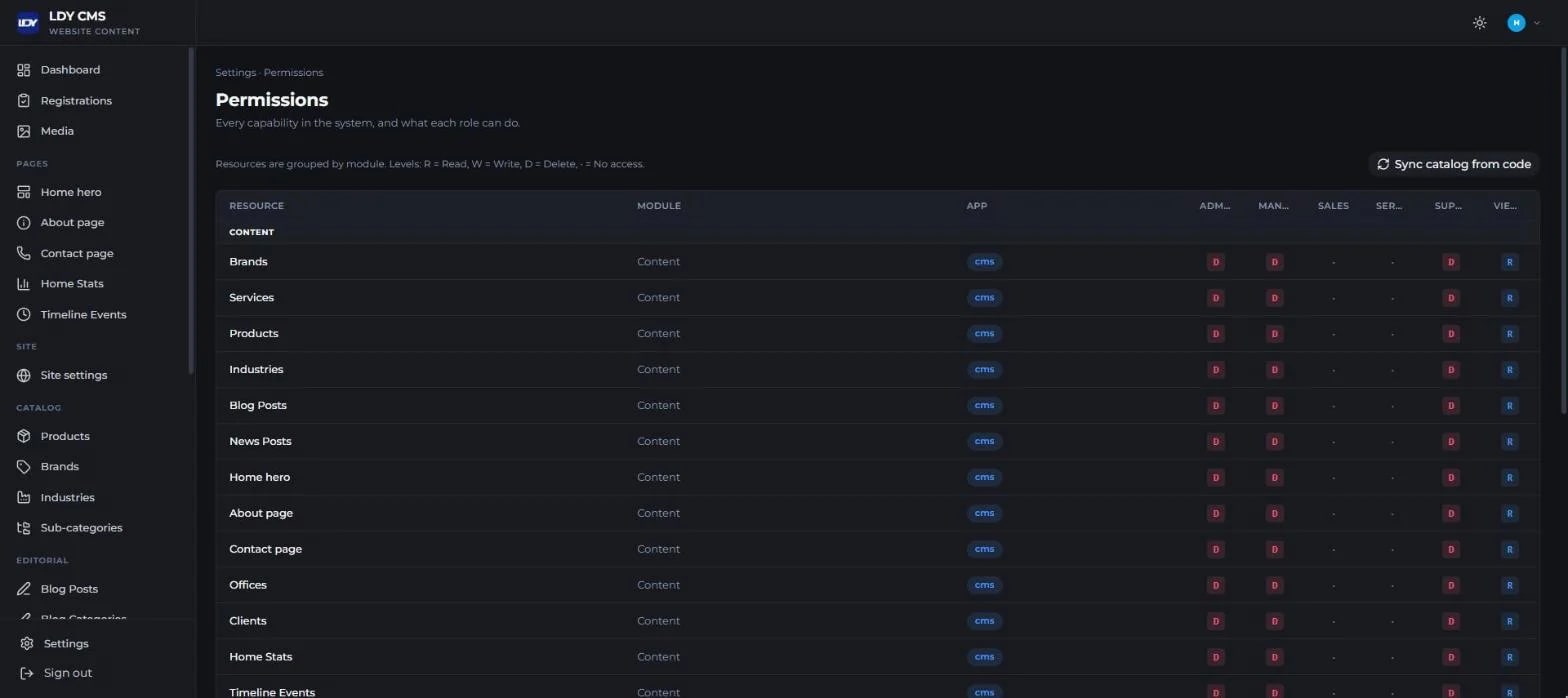
One example is the move of Labib Demian Youssef & Co. to the LDY CMS dashboard we built to replace the off-the-shelf system it had been using. The new system included data import tools, backups and a full audit log, but the success of the move did not rest on the data alone. We trained the team on site at the company and through live webinars, and produced short Arabic video tutorials for every module, so the team would stay on the new system and not drift back to its old tools.
Legal details and fees in this article reflect the situation in November 2026 and may change; check the official source before you decide.
If you are thinking of moving your work from an old system or from spreadsheets to a new system and are worried about your data, tell us about the system you use today and how much data you have. Our team will sit down with you in a free discovery session and put together a clear migration plan, and you can learn more about HBS custom business software development.