
If your system serves staff and customers over the internet, the safest starting point for most companies is managed cloud hosting in a region close to your users: you pay for what you use and scale resources up or down without buying hardware. A dedicated or private server is worth it when the load is steady for years, when a law or contract ties your data to a specific place, or when you actually have someone to run and monitor it. Shared hosting belongs to simple brochure websites, not to systems that hold your customers' data and invoices.
Below you will find the five hosting options in one table, when each one wins, the data residency rules in Egypt and Saudi Arabia, the real cost drivers, a decision checklist and the mistakes that keep repeating.
What is the difference between shared hosting, a VPS, a dedicated server and the cloud?
The real difference comes down to two questions: do you share resources with others, and who manages the operating system, updates and backups?
| Type | How it works | Fits | Biggest risk |
|---|---|---|---|
| Shared hosting | Your site sits on one server with many other sites, and the provider manages everything | A brochure site or blog with modest traffic | Another site on the same server can slow yours down, and you cannot control the settings |
| Virtual private server (VPS) | A reserved slice of a physical server with your own operating system | A small or mid-sized system with someone to run the server | Security updates and backups are usually your job |
| Rented dedicated server | A whole physical server for you alone in the provider's data centre | Heavy, steady load that needs predictable performance | Scaling means upgrading or renting another machine, and a hardware fault stops you until it is replaced |
| Cloud hosting | Resources reserved and billed by usage from a provider such as AWS, Azure or Google Cloud, with managed services for databases and storage | Systems whose load changes or grows, and small teams that do not want to manage hardware | A bill that grows without anyone noticing if resources and alerts are not set up |
| Server in your own office | A machine you own, in your office, on your network | Shared files and internal tools nobody reaches from outside | Power, internet and cooling, and the backup sitting in the same place |
Note that "the cloud" is not one thing. You can rent a virtual server there and manage it yourself, much like a VPS, or use managed services where the provider runs the database, its updates and its backups. The cost and responsibility differ a lot, so ask any developer which one they mean.
When is cloud hosting the right choice?
Cloud hosting is the closest to the right answer if most of these apply to you:
- Your system's load changes during the year. A store whose orders double in Ramadan and on White Friday, or a course platform that gets crowded the night before an exam. You add resources for a few days, then scale back.
- You have no server administrator. Managed services hand updates, backups and hardware failures to the provider instead of to an employee you do not have.
- Your users are in more than one country. A Cairo company with clients in Riyadh and Dubai can pick a region close to them and serve files through a content delivery network (CDN).
- You want to start small. A new system used by twenty employees does not need a dedicated server on day one, and its resources can grow with actual use.
But the cloud's flexibility has a price: it is easy for a test server to keep running for months without anyone remembering it. So set a monthly budget alert in the provider's console from day one, and review the resources in use every three months.
When is a private or dedicated server worth it?
A private server is not an outdated option. It fits specific cases:
- The load is steady and known. An internal factory system used by 150 employees on fixed shifts. When usage does not change, a fixed-price dedicated server can cost less than paying by usage.
- There is a condition on where the data lives. A contract with a government body or a bank that requires the data to stay in the country or in a specific data centre.
- The devices and network are internal by nature. Attendance machines or production-line equipment that talk to the system on the local network, where routing every connection through the internet makes no sense.
- You have a real operations team. One or more people named as responsible for security updates, monitoring, backups and restore tests.
If you choose a server in your own office, count what the hardware price does not show: backup power, a well-ventilated room, and a backup kept outside the building, because a fire or water leak that hits the server hits any copy sitting next to it too.
Where should your company's and customers' data be stored?
Where the server sits is not only a technical decision. In Egypt, as things stand (November 2026), Personal Data Protection Law No. 151 of 2020 restricts transferring personal data abroad, and its executive regulations, issued by Ministerial Decree No. 816 of 2025, require a licence or permit from the Personal Data Protection Center to transfer, store or process that data outside Egypt, provided the receiving country offers an adequate level of protection.
In Saudi Arabia, as things stand (November 2026), the Personal Data Protection Law and the Regulation on Personal Data Transfer outside the Kingdom, issued by the Saudi Data and AI Authority (SDAIA), set out when data may leave the Kingdom and under which safeguards. If you have customers in both countries, the first question before choosing a provider is: where will their data be stored, and who needs to approve it?
The large cloud providers have regions in the Gulf, such as the AWS regions in Bahrain and the UAE and the Google Cloud region in Dammam, and inside Egypt there are local options, including the Huawei public cloud hosted by Telecom Egypt. Measure response times from your offices before you decide, because the closest region on the map is not always the fastest.
Before you choose the location, classify your data: patient records, ID numbers and financial data need a written legal decision, while product images and public files can be served from anywhere through a content delivery network.
What really drives the cost of hosting?
The monthly server price is rarely the whole bill. As things stand (November 2026), official pricing pages such as AWS EC2 pricing and Azure bandwidth pricing separate items you need to count in full:
| Item | What pushes it up | How to control it |
|---|---|---|
| Compute (CPU and memory) | A bigger size than needed, or servers running all day when they are only needed in working hours | Start small, watch usage for a month, then adjust |
| Storage | Attachments piling up and old copies never deleted | A written retention policy, and moving archives to a cheaper storage class |
| Outbound data transfer | Large images and videos downloaded straight from the server | A content delivery network and image compression |
| Managed database | A synchronised replica in a second location and a bigger size than needed | Choose the availability level by what downtime costs you |
| Backups and snapshots | Daily snapshots kept with no time limit | Decide how many days back you really need to go |
| Your team's time | Manual updates and monitoring on a private server | Count the monthly admin hours at their real cost |
The last item is missing from most comparisons: a dedicated server can look cheaper, then you find someone on your team spending two days a month on updates. So compare the cost over a full year, and ask whether your maintenance contract covers server administration, because many support contracts do not, as we explained in our guide to what a software maintenance contract covers after delivery.
How do you plan backups and restores before you need them?
A backup that has never been restored is an assumption. The AWS shared responsibility model makes clear that the provider protects the infrastructure, while the customer is responsible for their data, configuration and access rights. So agree four written answers with your team or development partner:
- What is the most data you can afford to lose? An hour, or a day? The answer sets how often you back up.
- How many hours can the system be down? A point-of-sale system in 12 branches is not a brochure site, and the answer decides whether you need a standby server ready.
- Where is the off-site copy kept? In a different account or region from the main server, so one mistake or one breach cannot wipe out everything.
- When did you last test a restore? Make it a regular test on a separate environment, and record how long it took.
We covered what a backup and incident plan should include in our ten security checks before launching a website or system.
Which questions settle the hosting decision?
Before you sign with a provider or buy a machine, answer these questions in writing:
- Who will use the system, and from where? Staff in one office, or branches and customers in more than one country?
- Does the load change during the year? And what is the highest peak you expect?
- What kind of data will the system hold? Does the law or a client contract require a specific location for it?
- Who will run, update and monitor the server? By name, not "the tech team".
- Whose name will the hosting account be in? And who holds owner access and the payment card?
- How would you move if you wanted to change provider? Does the system depend on services that only that provider offers?
The fifth question is the most neglected: you can pay for a system and find the server registered in the developer's name. We cover it in our guide to source code ownership and what to receive at the end of a project.
What are the common mistakes when choosing hosting for a system?
- Moving the system onto the same shared hosting as the brochure site. A booking or inventory system needs steady resources and access rights that shared hosting does not give you.
- Leaving the account in the developer's name. The hosting account and the domain should be in your company's name from day one, with access for the developer, not owner rights.
- Keeping backups on the same server. If the server fails or is breached, the backups go with it.
- No monitoring. If the first person to tell you the system is down is a customer, you need automatic alerts on downtime and resource usage.
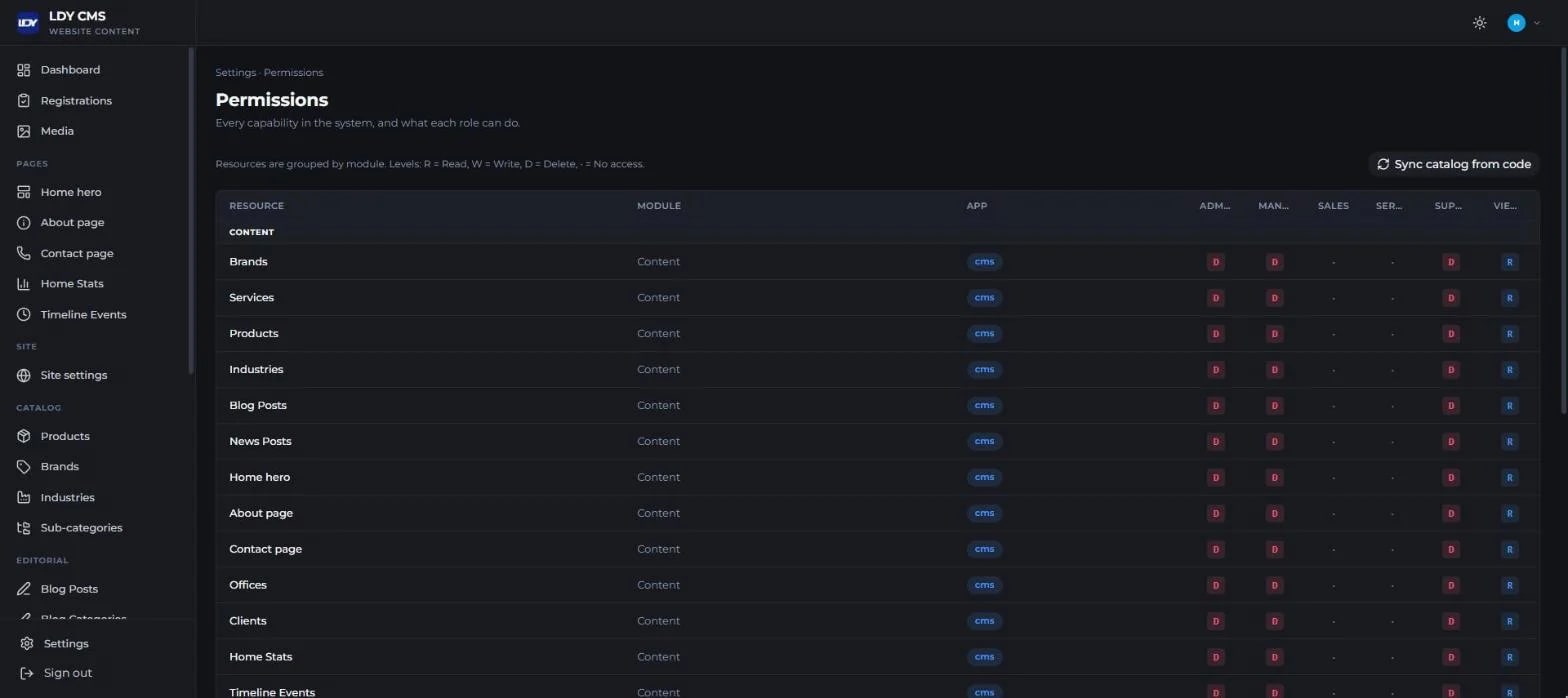
An example of what to ask any developer for: in the LDY CMS dashboard we built for Labib Demian Youssef & Co., the data sits in a managed PostgreSQL database on Supabase with row-level security, and the admin area includes backups and an audit log of sign-ins, access changes and data exports.
Legal details and fees in this article reflect the situation in November 2026 and may change; check the official source before you decide.
If you are weighing a private server against cloud hosting, tell us about your system, how many people use it and what data it holds. We will tell you honestly in a free discovery session which option fits, and you can learn more about HBS custom business software development.