
Website security for web applications is not achieved by an SSL certificate alone or by a quick scan after launch. It comes from ten basic checks completed before the first user arrives: login, permissions, input validation, secrets, libraries and updates, backups, logging, rate limiting, security headers and production settings. Most common risks come from known weaknesses in these areas rather than sophisticated attacks, so any company can close most of them with a clear list and a named owner.
This guide explains why the checks must come before launch, sets out the ten checks in one table with a way to test each, then shows how to test permissions yourself, what you need for backups and an incident plan, when to commission an independent test, the common mistakes, who is responsible for security after launch, and how we handle this at HBS.
Why should website security be checked before launch, not after?
Fixing a weakness before launch is a code change. Fixing it after it has been exploited means leaked data, customers who lose trust and long hours of clean-up. And the most common risks are not obscure. In the OWASP Top 10 for 2025, the most widely used reference for web application risks, broken access control comes first, followed by security misconfiguration and then software supply chain failures, meaning the libraries and packages an application depends on.
In other words, the biggest threat to your system is usually a user who can see data that is not theirs, a setting left in development mode, or an old library nobody updated. We covered recent examples in our article on the October 2026 breaches and what to do now.
What are the ten website and web application security checks before launch?
Use this table as a review list with your development team, and ask for each item to be signed off by the person who did it:
| Check | What to verify | How to test it |
|---|---|---|
| 1. Login and passwords | Passwords are stored with one-way hashing, two-factor authentication is on for admin accounts, and password reset is secure | Ask to see how passwords are stored, and try a password reset with an old or already used link |
| 2. Permissions and roles | Each user sees and edits only what their role allows, and checks happen on the server, not in the interface | Change a record number in the URL while logged in as another user and confirm it is refused |
| 3. Input validation | Everything a user enters is checked on the server, queries are protected from injection, and output is displayed safely | Enter unexpected symbols and text into forms and watch how the system behaves |
| 4. Secrets and keys | No passwords or API keys inside the code, the repository or the front-end code | Search the repository and the front-end files loaded in the browser for any key |
| 5. Libraries and updates | No libraries with versions known to be vulnerable, and a regular way to update them | Ask for a dependency scan report before launch |
| 6. Backup and restore | Automatic backups stored separately from the main server | Actually restore a backup on a separate environment and confirm it works |
| 7. Logging and alerts | Logins, permission changes and data exports are logged, without logging passwords or sensitive data | Perform these actions and check they appear in the audit log |
| 8. Rate limiting | Limits on login attempts, password resets and API requests | Repeat a wrong login several times and confirm a temporary block |
| 9. HTTPS and security headers | HTTPS on every page, headers such as HSTS and a content security policy, and secure cookies | Scan the site with a header-checking tool and review the result with the developer |
| 10. Production settings | Debug mode off, default accounts removed, generic error messages, and file uploads limited by type and size | Request a page that does not exist and trigger a deliberate error, and confirm the message reveals no technical details |
For a deeper technical review, the OWASP ASVS project offers a detailed application security verification standard your development team can base its review on.
How can you test permissions yourself before launch?
Because weak permissions are the top risk, they deserve a test you take part in, not only the developer. This test needs no technical background:
- Create a test user for each role. Admin, sales rep, service agent and viewer, according to the roles in your system.
- Open a record that does not belong to the current user. Copy a record link from the admin account, then open it while logged in with a lower-privilege account.
- Try admin pages with a normal account. Type the link to the settings or users page directly into the browser.
- Try exports and deletions. Can every role export or delete all the data? These rights need the narrowest scope possible.
- Deactivate a user account. Confirm that their open session stops immediately rather than staying valid until they log out.
Any success in these attempts means a weakness to fix before launch, however small it looks. Repeat this test after every major change to roles or every new screen, because weaknesses usually appear in the parts added after the first launch.
What should backups and an incident plan include?
A backup that has never been restored cannot be relied on. Before launch, agree on these points in writing:
- Frequency and retention. How often a backup is taken, how many are kept and for how long.
- Location. At least one copy outside the main server and outside the same account, so a single incident cannot wipe out everything.
- Restore testing. A regular date to restore a backup on a separate environment and confirm it is intact.
- Incident steps. Who is told first, how the system is isolated, when passwords and keys are changed, and who speaks to customers.
When a breach actually happens, the clean-up becomes long work that goes well beyond deleting malicious files, as we showed in our case study on cleaning a Japanese keyword hack from the PCE website.
When do you need an independent penetration test?
The list above closes the common weaknesses, but in some cases it does not replace an outside view. Consider a penetration test by a party independent of the development team if any of these applies to you:
- The system handles payments or sensitive personal data. Such as health or financial data or ID numbers.
- The system is open to a large number of external users. Such as a customer portal or a platform the public signs up to.
- You made a major change. Such as a new login system, an integration with an external system or a move to different hosting.
- A client or partner asks for evidence of testing. This comes up often with large companies and government bodies.
The test only delivers its value when you fix what it finds and then retest to confirm the fixes, so plan time for that before the launch date, not on the day itself.
What are the common website security mistakes at launch?
- Relying on the SSL certificate alone. HTTPS protects data only while it travels, and does not stop a user from seeing what is not theirs.
- A shared admin account. When several people use the same account, you cannot tell who did what or remove one person's access.
- Test data and accounts left in production. An "admin" account with a simple password forgotten from the testing phase.
- An exposed test environment. A trial copy of the system open to the public, sometimes holding real data.
- Keys inside front-end code. Any key that reaches the browser can be read by any visitor.
- Nobody responsible for updates. The system is secure on launch day, then new weaknesses appear in its libraries and nobody updates them.
Who is responsible for website security after launch?
Security is not a task that ends on launch day. Responsibility is shared, and it should be written down:
- Your development partner. Updating libraries, fixing weaknesses and monitoring faults under the support contract. We set out what that contract should cover in our guide to software maintenance after delivery.
- Your company. Reviewing permissions regularly, closing staff accounts when people leave, protecting the core accounts, and changing keys after any change in the development team.
- Your hosting provider. Security of the infrastructure it manages, as set out in its service terms.
Before all of that, make sure the core accounts and keys are in your company's name, as we explained in our guide to source code ownership and what to receive.
Write these responsibilities in a simple table that both sides review every quarter: what was updated, which accounts were added or removed, and whether a backup restore was tested. That short meeting catches most problems before anyone can exploit them.
How does HBS approach web application security?
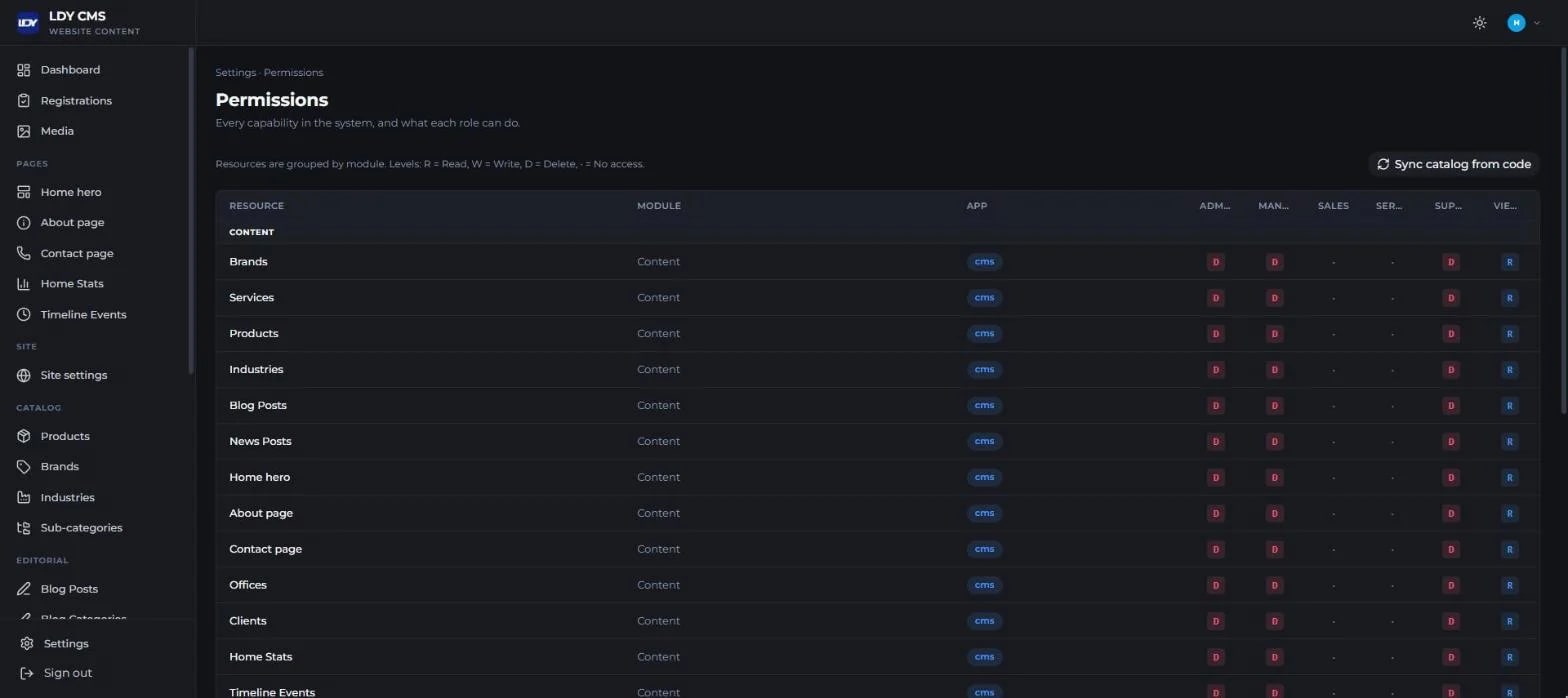
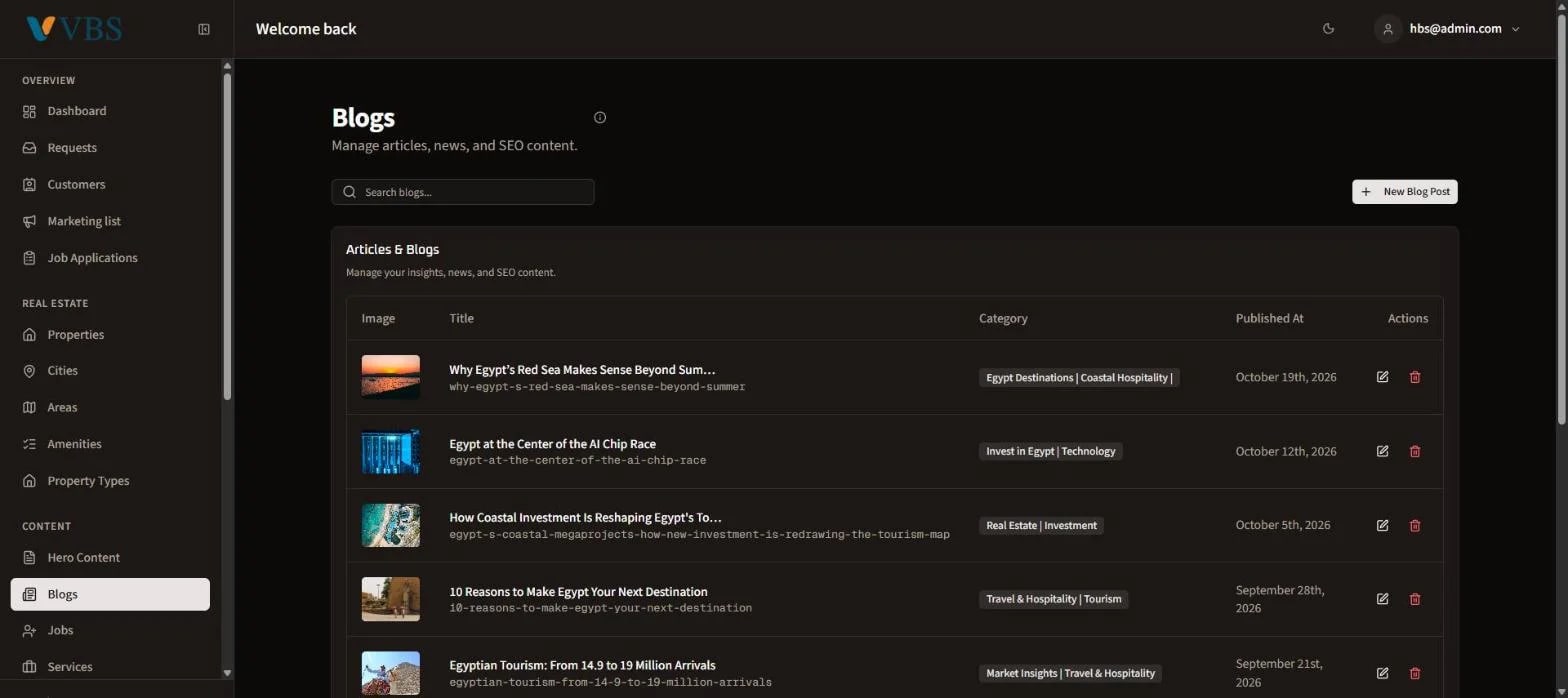
At HBS we treat security as part of the design, not an add-on at the end. In the LDY CMS dashboard we built for Labib Demian Youssef & Co., we built a permissions matrix for five roles (admin, manager, sales, service and viewer), a full audit log of sign-ins, access changes and data exports, and backups, on a PostgreSQL database with row-level security and role-based sign-in. In the VBS operations dashboard, the admin pages are rendered on the server for speed and security.
In every integration between systems we apply API-key or OAuth 2.0 authentication, HTTPS encryption, input validation, rate limiting and an audit log for every operation. And we can review the list above with you before your system launches, so you know what was checked and who owns each item afterwards.
If you are preparing to launch a system or web application for your company and are not sure it has been properly security-checked, or you run a live system that needs a review, talk to us. Our team will go through these ten checks with you in a free discovery session, and you can learn more about HBS secure business systems and web application development.